Wanneer u zeker bent dat uw e-mail door miWebb wordt gehost, start dan Outlook op.
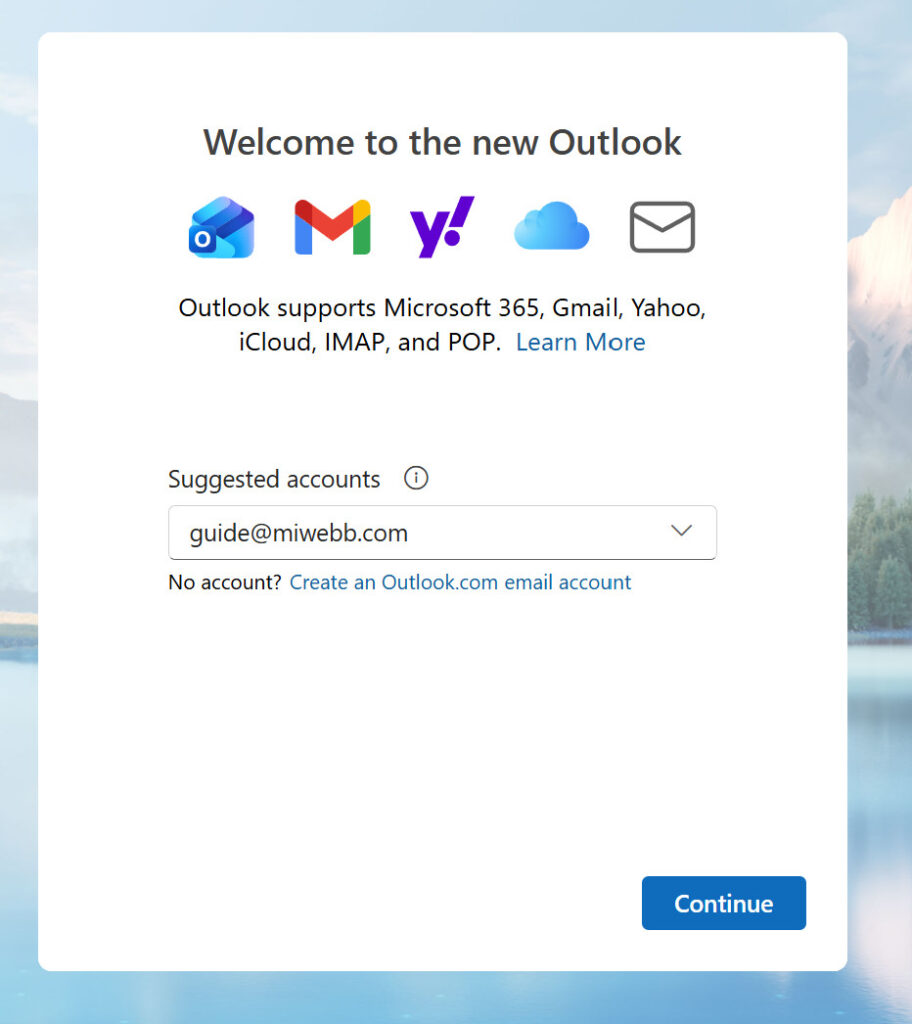
Vul het e-mail veld in.
Vul het wachtwoord in.
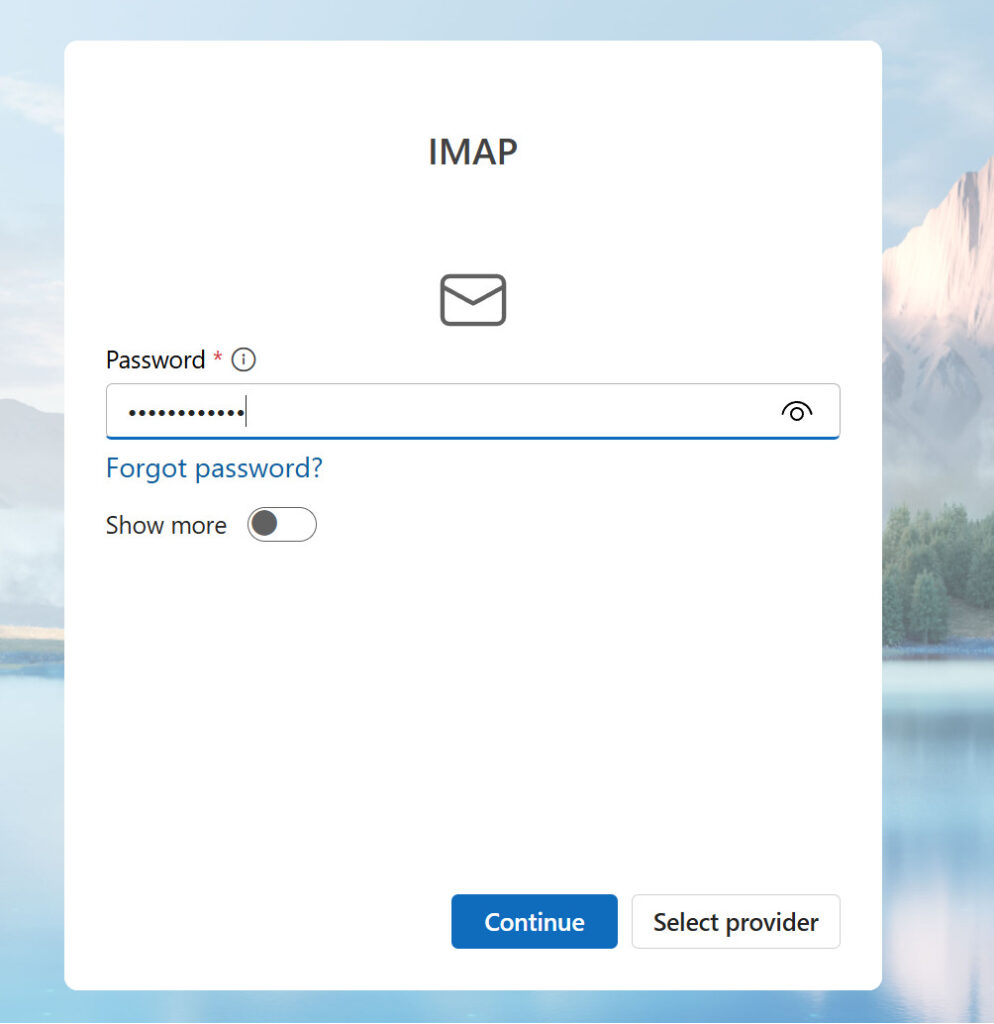
Druk op de blauwe knop (Continue/Volgende).
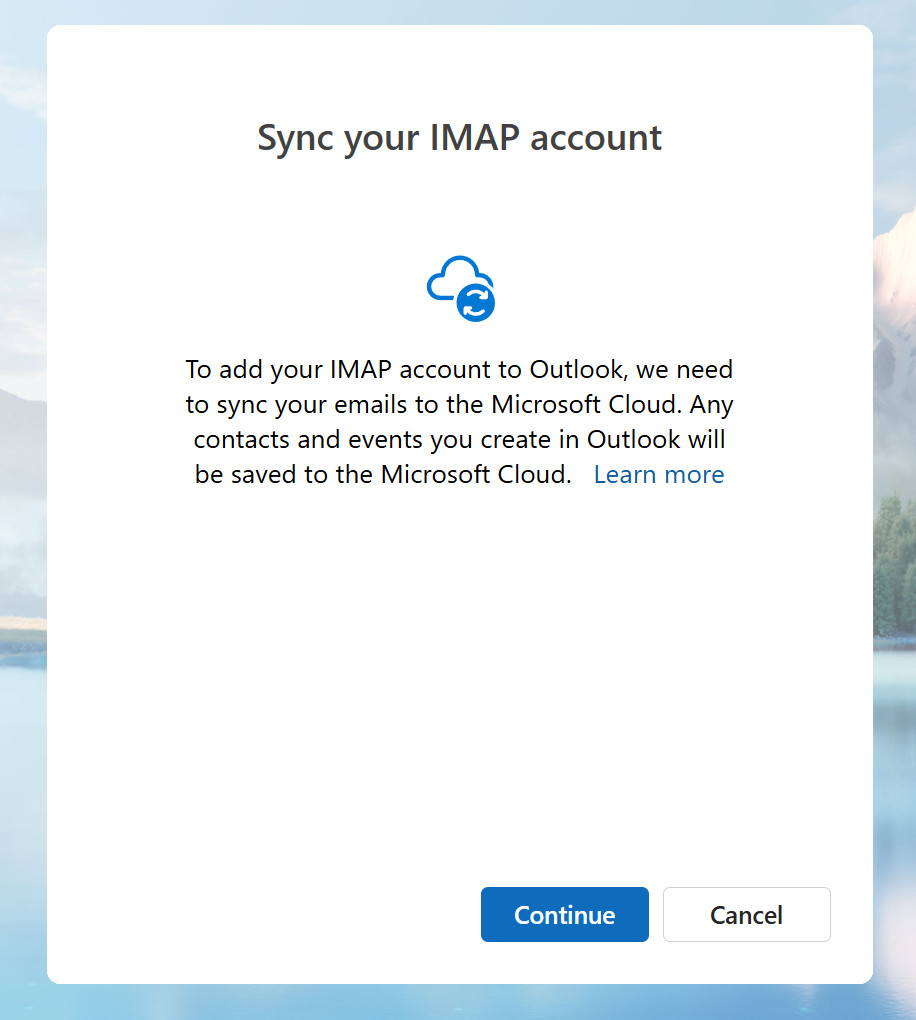
Druk nogmaals op de blauwe knop (Continue/Volgende).
Wacht even af tot Outlook alles verwerkt. Uw e-mail is bij deze ingesteld.
